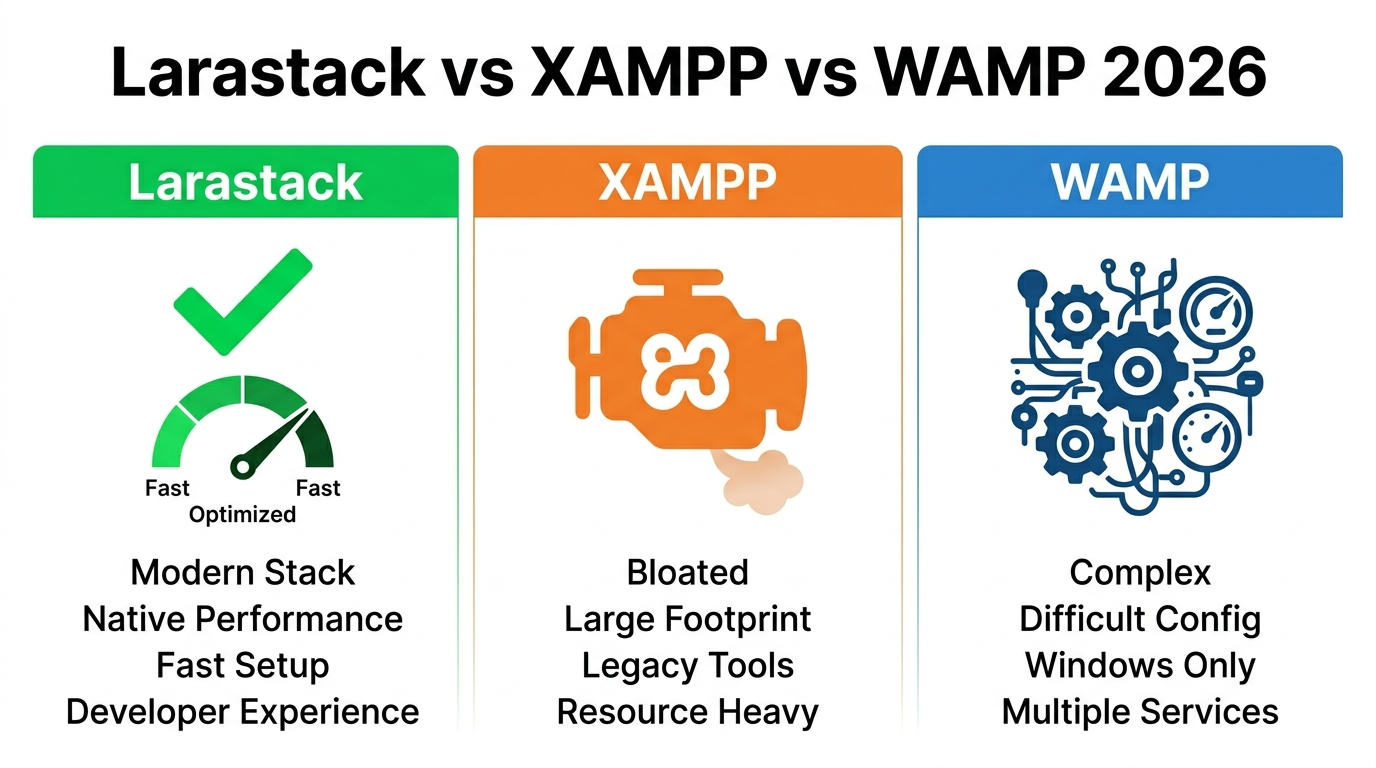
Larastack vs XAMPP vs WAMP: Best Local PHP Server for Windows in 2026
The Local PHP Server Landscape in 2026
For over a decade, XAMPP and WAMP have been the default local development servers for PHP developers on Windows. They work — but they carry significant baggage: slow startup times, excessive memory usage, complex configuration, and bundles full of components you'll never use.
In 2026, there's a leaner, faster alternative: Larastack — a free, zero-config local PHP & MySQL server built exclusively for Windows developers.
This comparison breaks down all three tools across every metric that matters.
Startup Speed: Larastack Wins by a Wide Margin
When you're switching between projects and restarting servers multiple times a day, startup speed is a real productivity factor.
- Larastack: Under 2 seconds
- WAMP: ~6 seconds
- XAMPP: ~8 seconds
Larastack is 4× faster than XAMPP on startup. Over a full workday of restarts, that difference becomes significant.
RAM Usage: Larastack Uses 4× Less Memory
Memory usage at idle is critical when you're running a browser, code editor, and multiple tools simultaneously.
- Larastack: ~45 MB idle
- WAMP: ~180 MB idle
- XAMPP: ~200 MB idle
On a machine with 8 GB of RAM running VS Code, Chrome, and other dev tools, Larastack's lightweight footprint is immediately noticeable.
Configuration: Zero vs Complex Setup
XAMPP and WAMP both require system-level installation, often demand administrator privileges, and can conflict with IIS, Skype, and other Windows services that use ports 80 and 3306.
Larastack requires absolutely no configuration. Extract the zip, open the app, click Start All. It uses ports 8084 and 3308 by default specifically to avoid conflicts with every other service on your machine.
PHP Version and Extension Support
All three tools support PHP 8.2. However, Larastack ships with the following extensions pre-enabled and ready with zero manual configuration:
mbstring, pdo_mysql, curl, gd, openssl, zip, xml, fileinfo, intl
With XAMPP and WAMP, you often need to manually uncomment these extensions in php.ini.
phpMyAdmin
All three include phpMyAdmin. With Larastack, it's available at http://localhost:8084/phpmyadmin the moment servers start — no additional setup or URL configuration required.
Full Feature Comparison
| Feature | Larastack | XAMPP | WAMP |
|---|---|---|---|
| PHP 8.2+ | Yes | Yes | Yes |
| MySQL 8.0 | Yes | Yes | Varies |
| Zero Configuration | Yes | No | No |
| Auto-Installer | Yes | No | No |
| RAM Usage (idle) | ~45 MB | ~200 MB | ~180 MB |
| No Admin Rights | Yes | No | No |
| Startup Time | Under 2 sec | ~8 sec | ~6 sec |
| Port Conflicts | None | Common | Common |
| Real-Time Log Console | Yes | No | No |
| Free Forever | Yes | Yes | Yes |
Which Should You Choose?
Choose Larastack if you want a fast, modern, zero-config local PHP environment for Laravel, WordPress, or any PHP project on Windows. It's the right choice for the vast majority of developers in 2026.
Choose XAMPP or WAMP if you're working on a legacy project that requires specific Apache configurations, or you're in an environment where those tools are already standardized across a team.
For everyone else — Larastack is the clear winner.
Frequently Asked Questions
Can I run Larastack alongside XAMPP? Yes. Larastack uses different default ports (8084 and 3308) so both can run simultaneously without conflicts.
Does Larastack support Apache? Larastack uses PHP's built-in server rather than Apache, which is why it starts so much faster and uses less RAM.
Is Larastack suitable for WordPress development? Yes. WordPress runs perfectly on Larastack with a simple database configuration change.
Download Larastack free at larastack.click and experience the difference immediately.