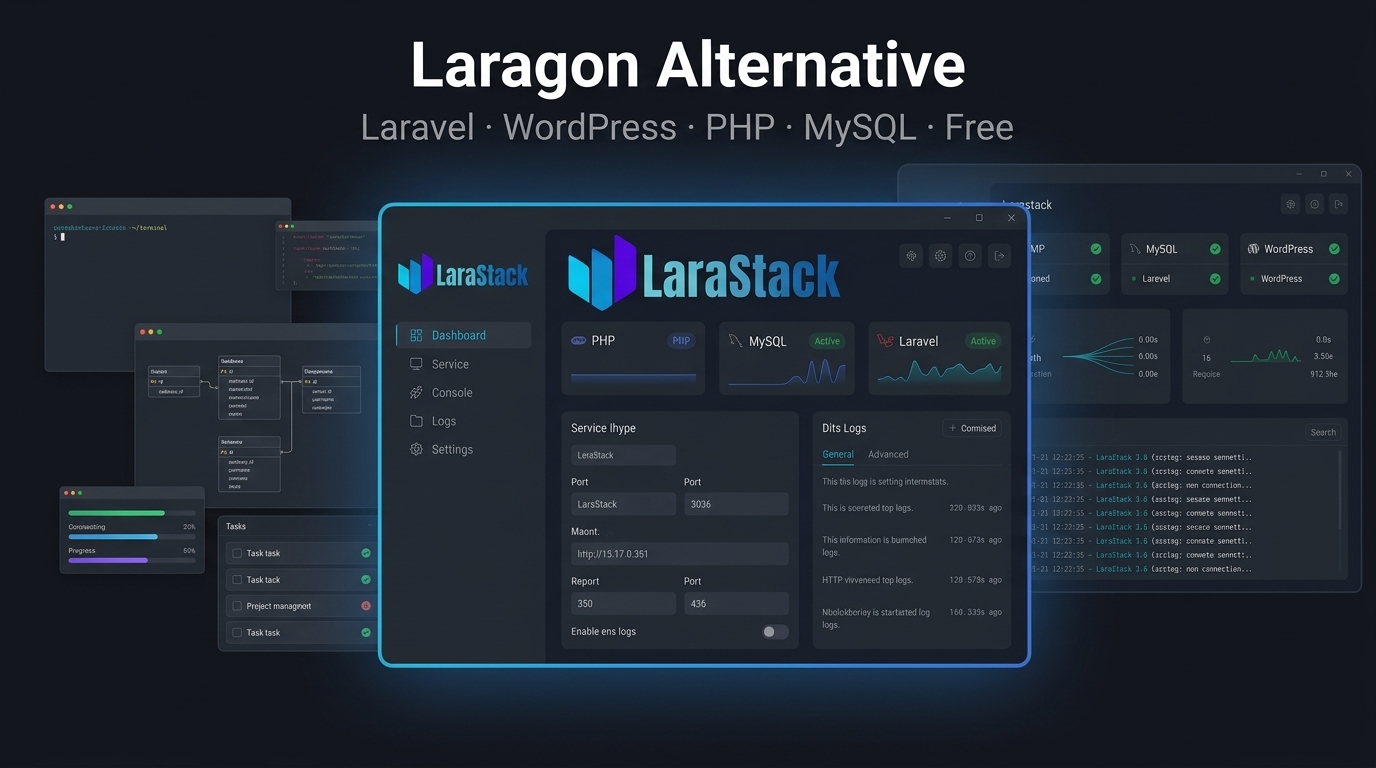
LaraStack: A Powerful Free Laragon Alternative for Windows
Laragon is a popular choice among Windows developers who want a lightweight local development environment.
But developers have different workflow requirements.
Some want a simple local server environment. Others want more automation around Laravel projects, WordPress websites, databases, Composer and development ports.
This is where LaraStack 3.0 provides an alternative approach.
LaraStack is a free Windows-first local development workspace built around PHP, MySQL, Laravel and WordPress development.
What Is LaraStack?
LaraStack brings the local development stack and project-management workflow into one desktop application.
The current release includes:
- PHP 8.3
- MySQL 8.0
- phpMyAdmin 5.2
- Laravel project automation
- WordPress project management
- Composer detection
- Dynamic ports
- php.ini editing
- Runtime logs
- File and terminal access
- Windows 10/11 support
The objective is to reduce repetitive configuration and provide developers with a focused workspace.
Why Consider a Laragon Alternative?
Laragon can be a good fit for developers who want a lightweight local environment.
However, developers looking for an alternative may specifically want:
- More guided Laravel project creation
- Automated MySQL database creation
- Automatic
.envconfiguration - Project-specific Laravel ports
- Dedicated WordPress management
- Integrated php.ini editing
- Project process management
- A unified desktop workflow
LaraStack focuses heavily on these areas.
Laravel Project Creation Without Manual Configuration
One of LaraStack's major features is its dedicated Laravel workspace.
Instead of manually creating a Laravel project and then configuring its database and environment, LaraStack can automate the workflow.
It can detect Composer, create the project, generate the application key, create a dedicated MySQL database, configure .env, run migrations and assign an available development port.
The project can then be started, stopped, opened in the browser or accessed through its project directory.
This is particularly useful when working with multiple Laravel applications.
Multiple Laravel Projects
LaraStack maintains project information including:
- Project name
- Project directory
- Laravel version
- Development port
- MySQL database name
- Runtime state
Projects are managed independently.
Each project can have its own development process and port.
LaraStack can also detect running projects, prevent duplicate starts and release project ports when projects stop.
WordPress Project Management
LaraStack is not limited to Laravel.
It also provides a dedicated WordPress workspace.
You can manage local WordPress projects through the application, including:
- WordPress installation
- Startup and shutdown
- Status detection
- Database management
- Admin access
- Website launching
- Credentials
- Reinstallation
- Project deletion
This gives WordPress developers a graphical workflow rather than requiring every step to be handled manually.
Dynamic Port Management
Local development becomes more complicated when multiple tools compete for the same ports.
LaraStack detects and manages active runtime ports rather than assuming that every installation will use the same fixed values.
This applies across PHP, MySQL, phpMyAdmin, Laravel development servers and WordPress services.
Laravel projects can synchronize their .env configuration with the active MySQL and application ports.
php.ini Editor
LaraStack also includes an integrated php.ini editor.
Instead of repeatedly opening configuration files manually, developers can use quick settings or the raw editor.
The editor includes multi-match search, match navigation and keyboard shortcuts.
This makes common PHP configuration changes easier to perform from inside the development workspace.
LaraStack or Laragon?
There is no single local development environment that is perfect for every developer.
Laragon may be attractive to developers who prefer its established lightweight workflow.
LaraStack is particularly focused on developers who want integrated project automation for Laravel and WordPress alongside PHP, MySQL and phpMyAdmin.
The choice depends on the workflow you prefer.
A Windows-First Development Workspace
LaraStack is designed for Windows 10 and Windows 11.
Its native desktop interface brings runtime management, project automation, configuration, logs, files and development tools together.
The current 3.0 release also includes performance improvements designed to make navigation, configuration editing and service management more responsive.
Stop Repeating the Same Setup Tasks
Your development time should go toward building applications, not repeating the same setup process for every project.
With built-in Laravel project creation, WordPress management, database setup, Composer detection and dynamic ports, LaraStack aims to make local development more straightforward.
If you're searching for a free Laragon alternative for Windows, LaraStack is worth comparing.
Download LaraStack: https://larastack.click/download
View Features: https://larastack.click/features