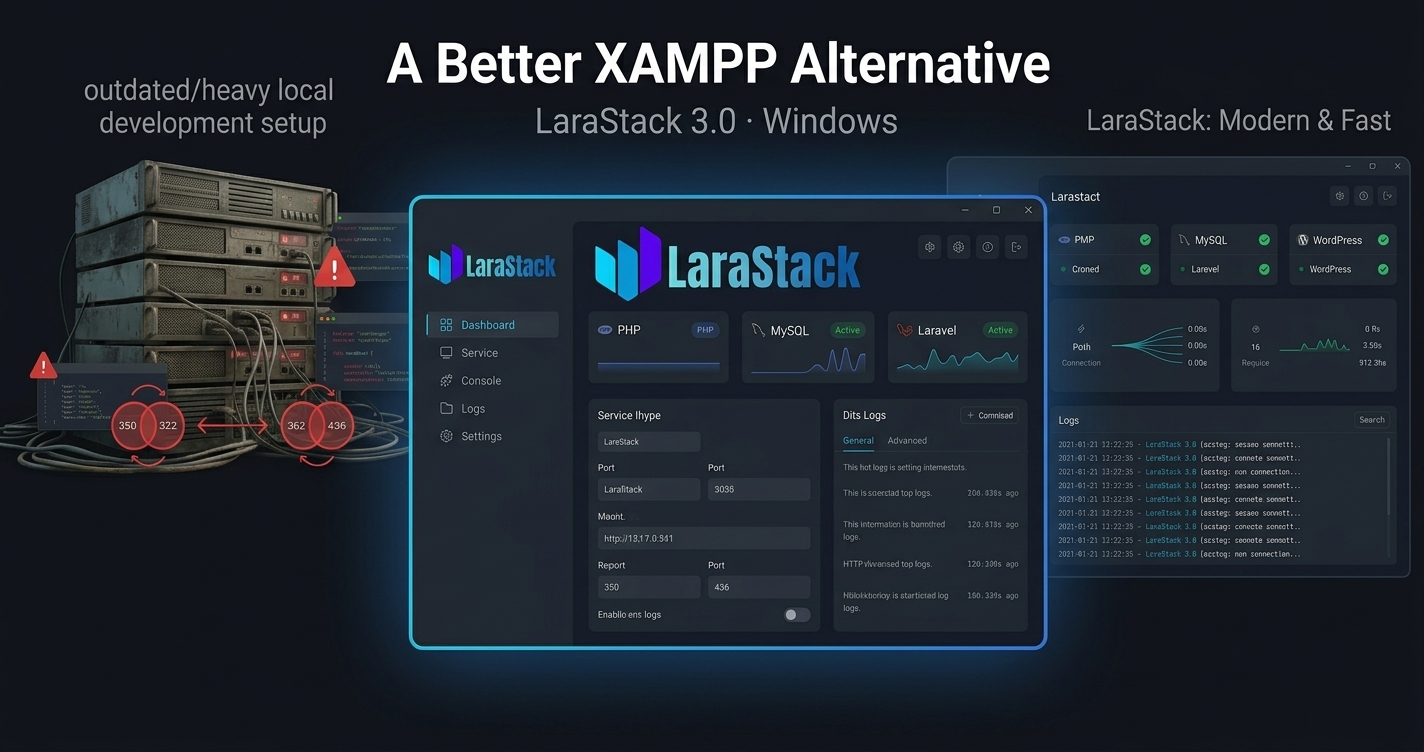
LaraStack: A Free XAMPP Alternative for Windows
LaraStack: A Free XAMPP Alternative for Windows
XAMPP has been a familiar choice for PHP developers for years. It provides the core services needed to run PHP and MySQL applications locally, but modern development workflows often involve more than simply starting Apache and MySQL.
Developers working with Laravel and WordPress may still need to configure projects, databases, environment files, ports, Composer and other development components manually.
LaraStack 3.0 takes a different approach.
LaraStack is a free, Windows-first local development workspace designed to bring PHP, MySQL, phpMyAdmin, Laravel and WordPress workflows together in one desktop application.
What Is LaraStack?
LaraStack is a local development environment for Windows developers.
The current LaraStack 3.0 release includes:
- PHP 8.3
- MySQL 8.0
- phpMyAdmin 5.2
- Laravel project management
- WordPress project management
- Composer detection and management
- Dynamic port management
- php.ini editor
- Runtime and application logs
- Local terminal and file access
- Windows-first desktop workflow
Instead of treating PHP, databases and projects as completely separate tasks, LaraStack brings these workflows into one focused interface.
LaraStack vs XAMPP
The biggest difference is the workflow.
With a traditional XAMPP setup, developers commonly install the stack and then manually manage their individual projects and configurations.
LaraStack adds automation around those repetitive tasks.
| Workflow | LaraStack | Traditional XAMPP Workflow |
|---|---|---|
| PHP | Built in | Available |
| MySQL | Built in | Available |
| phpMyAdmin | Built in | Available |
| Laravel creation | One-click | Usually manual |
| Composer detection | Automatic | Usually manual |
| Laravel database | Automatically created | Usually manual |
Laravel .env | Automatically configured | Usually manual |
| Laravel port | Dynamically managed | Developer-managed |
| WordPress workspace | Dedicated | Usually manual |
| php.ini editor | Built in | File-based |
| Project management | Integrated | More manual |
Create Laravel Projects Without the Usual Setup Work
Laravel development can involve several repetitive steps before you even start writing application code.
LaraStack automates much of this process.
When creating a managed Laravel project, LaraStack can:
- Create the Laravel project.
- Detect an existing Composer installation.
- Use managed Composer when required.
- Detect the active MySQL configuration.
- Create a dedicated MySQL database.
- Configure the Laravel
.envfile. - Generate the application key.
- Run migrations.
- Assign an available development port.
- Start and stop the project independently.
Each Laravel project can have its own process, port and database.
That makes it easier to work with multiple projects without constantly changing configuration manually.
WordPress Without Complicated Setup
LaraStack also includes a dedicated WordPress workspace.
Developers can create and manage local WordPress websites through the application instead of relying entirely on manual setup procedures.
The workspace supports WordPress startup and shutdown, status detection, database management, Admin access, website launching, credentials, reinstall operations and project deletion.
For developers who regularly build or test WordPress websites, this can make the local workflow considerably more focused.
Dynamic Port Management
Port conflicts are a common frustration when multiple development tools are installed on the same Windows computer.
Another application may already be using a default port, causing services to fail or requiring manual configuration.
LaraStack is designed around dynamic port awareness.
It can manage ports for PHP services, MySQL, phpMyAdmin, Laravel development servers and WordPress services.
Laravel projects can also synchronize their configuration with the active development port.
This reduces the need to assume that every project must use the same hard-coded port.
Built for Windows Developers
LaraStack is designed specifically around Windows 10 and Windows 11.
Its native desktop workflow provides access to runtime controls, projects, configuration, logs, files and development tools from one application.
The current LaraStack 3.0 release also uses a WPF/.NET 8 desktop architecture with performance improvements aimed at reducing unnecessary UI blocking, polling, rendering work and repeated page creation.
Is LaraStack Better Than XAMPP?
That depends on your workflow.
If you want a familiar conventional PHP/MySQL control-panel experience and prefer managing your projects manually, XAMPP may still be suitable.
If you want a Windows-first development workspace with more automation around Laravel, WordPress, databases, Composer, ports and project management, LaraStack is an alternative worth considering.
Start Building Instead of Setting Up
The goal of LaraStack is simple:
Stop Setting Up. Start Building.
Instead of spending time repeatedly configuring local projects, LaraStack brings common PHP, Laravel and WordPress development tasks into one focused desktop workflow.
If you are searching for a free XAMPP alternative for Windows, LaraStack is worth exploring.
Download LaraStack: https://larastack.click/download
View Features: https://larastack.click/features