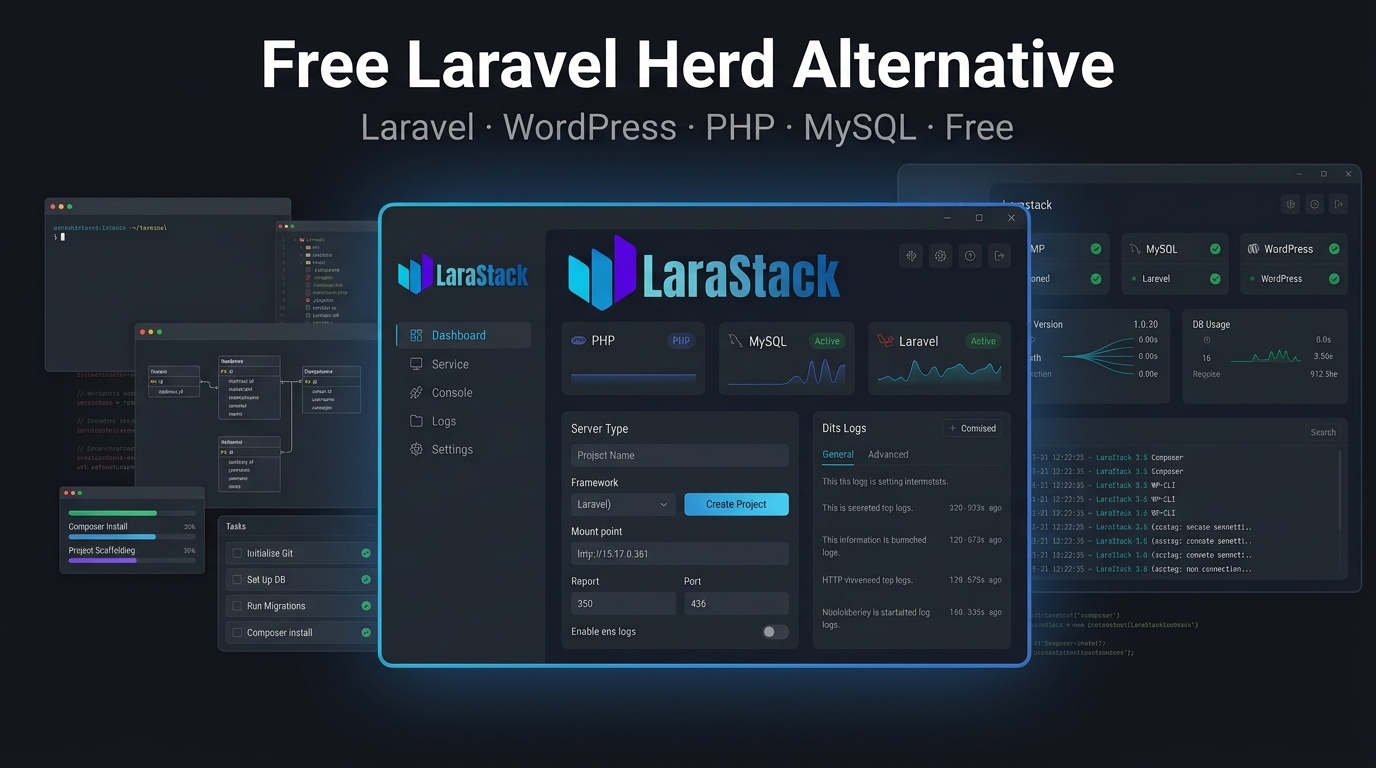
LaraStack: A Free Laravel Herd Alternative for Windows
LaraStack: A Free Laravel Herd Alternative for Windows
Laravel developers have many options for setting up a local development environment.
Laravel Herd is one option built around a streamlined Laravel and PHP development experience. But developers who also work with WordPress, MySQL administration and graphical project management may want a different workflow.
LaraStack 3.0 provides a Windows-first alternative focused on bringing Laravel, WordPress, PHP and MySQL development together.
What Is LaraStack?
LaraStack is a free local development workspace for Windows.
It includes:
- PHP 8.3
- MySQL 8.0
- phpMyAdmin 5.2
- Laravel project creation
- Laravel project management
- WordPress project management
- Composer detection
- Automatic MySQL database creation
.envconfiguration- Dynamic port management
- php.ini editing
- Runtime logs
- File and terminal tools
The goal is to reduce the amount of repetitive configuration required before starting development.
Why Look for a Laravel Herd Alternative?
Laravel Herd is designed primarily around the Laravel/PHP development experience.
But some developers need more than PHP and Laravel.
They may also work on:
- WordPress websites
- MySQL databases
- Multiple Laravel projects
- Local PHP applications
- Database administration
- PHP configuration
- Mixed Laravel and WordPress workflows
LaraStack combines these areas into one Windows desktop application.
Laravel Project Creation Built In
One of the key LaraStack features is built-in Laravel project management.
You do not have to manually perform every setup step from the command line.
LaraStack can:
- Create Laravel projects
- Detect Composer
- Use an existing Composer installation
- Download managed Composer when required
- Generate Laravel application keys
- Detect the active MySQL configuration
- Create a project-specific MySQL database
- Configure
.env - Run migrations
- Assign an available development port
- Start and stop individual projects
This makes creating a new Laravel workspace much more straightforward.
Manage Multiple Laravel Projects
LaraStack stores important project information so managed Laravel projects can be restored and handled after the application restarts.
Project information can include the project name, directory, Laravel version, development port, database name and runtime state.
Each Laravel application can operate independently.
This makes it easier to switch between different projects without manually reconfiguring your local environment every time.
WordPress Management Included
A major difference for developers who work with both Laravel and WordPress is LaraStack's dedicated WordPress workspace.
WordPress sites can be installed and managed from the desktop application.
The workspace supports:
- Installation
- Startup
- Shutdown
- Status detection
- Database management
- Admin access
- Website launching
- Credential handling
- Reinstallation
- Project deletion
This makes LaraStack useful for developers who move between Laravel applications and WordPress websites.
MySQL Instead of Manual Database Setup
LaraStack's Laravel workflow uses MySQL by default.
When a Laravel project is created, LaraStack can create a separate MySQL database for that project and synchronize the database settings in .env.
The active MySQL port is detected dynamically rather than relying on one hard-coded port.
This helps reduce configuration conflicts between multiple projects and other local development software.
Free Windows-First Development
LaraStack is designed for Windows 10 and Windows 11.
It provides a native desktop interface rather than requiring developers to manage every component independently.
The current 3.0 release also focuses heavily on application responsiveness, reducing unnecessary UI blocking, repeated page creation, polling and expensive rendering operations.
Is LaraStack the Right Laravel Herd Alternative?
That depends on what you need.
If your workflow is primarily focused on Laravel and PHP, Laravel Herd may be a suitable choice.
If you want a broader Windows development workspace that combines Laravel, WordPress, PHP, MySQL, phpMyAdmin and graphical project management, LaraStack is an alternative worth considering.
The important point is to choose the environment that matches your actual development workflow.
Laravel and WordPress in One Workspace
For developers who work on both Laravel applications and WordPress websites, switching between separate development workflows can add unnecessary complexity.
LaraStack brings both into the same desktop environment.
Create a Laravel project.
Create a WordPress website.
Manage MySQL.
Edit PHP configuration.
Check logs.
Start or stop services.
All from one Windows-first workspace.
Stop Setting Up. Start Building.
If you're looking for a free Laravel Herd alternative for Windows, explore LaraStack 3.0.
Download LaraStack: https://larastack.click/download
View Features: https://larastack.click/features