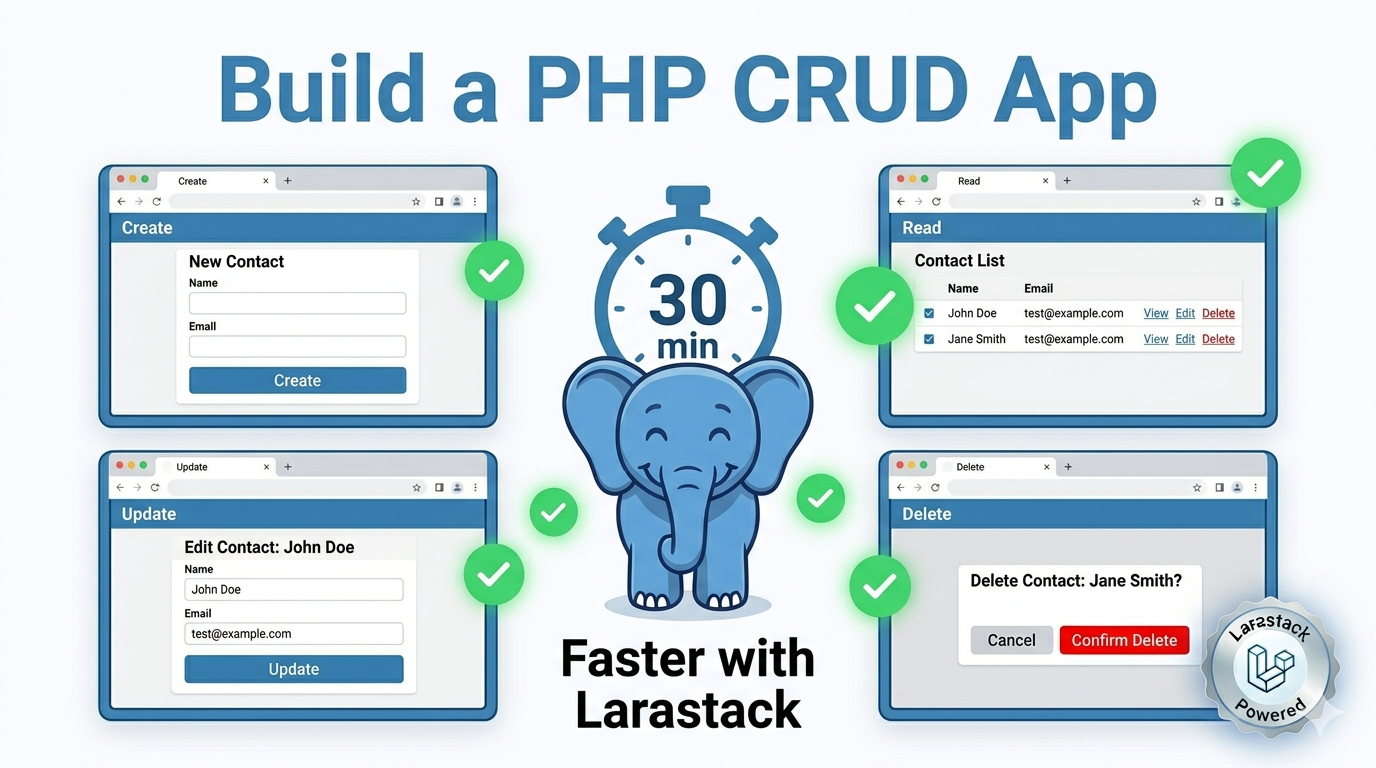
Build a Complete PHP CRUD App in 30 Minutes with Larastack (Beginner Tutorial)
What You'll Build
By the end of this tutorial, you'll have a fully functional Task Manager web application with:
- Create: Add new tasks through an HTML form
- Read: Display all tasks in a list
- Update: Mark tasks as complete
- Delete: Remove tasks permanently
No frameworks. No dependencies beyond PHP and MySQL. This is pure PHP 8.2 with PDO — the foundational skills every PHP developer needs regardless of which framework they use.
Estimated time: 30 minutes
Setup: Get Larastack Running (2 minutes)
Download Larastack from larastack.click/download, extract it, and click Start All. PHP 8.2 and MySQL 8.0 are running immediately.
In phpMyAdmin at http://localhost:8084/phpmyadmin, create a new database called taskmanager.
Then run this SQL to create your tasks table:
CREATE TABLE tasks ( id INT AUTO_INCREMENT PRIMARY KEY, title VARCHAR(255) NOT NULL, completed TINYINT(1) DEFAULT 0, created_at TIMESTAMP DEFAULT CURRENT_TIMESTAMP );
Step 1: Database Connection (db.php)
Create a file called db.php in your project folder. This file handles the database connection for every other file:
$host = '127.0.0.1'; $port = '3308'; $db = 'taskmanager'; $user = 'root'; $pass = '';
try { $pdo = new PDO("mysql:host=port;dbname=$db", $user, $pass); $pdo->setAttribute(PDO::ATTR_ERRMODE, PDO::ERRMODE_EXCEPTION); } catch (PDOException $e) { die('Connection failed: ' . $e->getMessage()); }
Using PDO (PHP Data Objects) rather than raw mysqli gives you database-agnostic code and protection against SQL injection through prepared statements.
Step 2: Create — Add a New Task (create.php)
require 'db.php';
if ($_SERVER['REQUEST_METHOD'] === 'POST') { $stmt = $pdo->prepare("INSERT INTO tasks (title) VALUES (?)"); _POST['title'])]); header('Location: index.php'); exit; }
HTML form:
Add New Task
Step 3: Read — List All Tasks (index.php)
require 'db.php';
$tasks = $pdo->query("SELECT * FROM tasks ORDER BY created_at DESC")->fetchAll(PDO::FETCH_ASSOC);
echo 'Add Task';
foreach ($tasks as $task) { $status = $task['completed'] ? 'Completed' : 'Pending'; echo "
{task['title']} — { status} Complete | Delete
"; }
Step 4: Update — Mark a Task Complete (update.php)
require 'db.php';
$stmt = $pdo->prepare("UPDATE tasks SET completed = 1 WHERE id = ?"); _GET['id']]); header('Location: index.php'); exit;
Step 5: Delete — Remove a Task (delete.php)
require 'db.php';
$stmt = $pdo->prepare("DELETE FROM tasks WHERE id = ?"); _GET['id']]); header('Location: index.php'); exit;
Running Your App
Place all four files in your Larastack web root folder (larastack\www\taskmanager). Open your browser and visit: http://localhost:8084/taskmanager
Your Task Manager is live. Add tasks, mark them complete, delete them — full CRUD working in pure PHP.
What to Build Next
Now that you understand the fundamentals, here's how to extend this project:
Add user authentication using PHP sessions so each user has their own task list.
Style it with Tailwind CSS using the CDN version for a modern, clean interface without a build step.
Add due dates and priorities to the tasks table and sort by urgency in your queries.
Migrate to Laravel — every concept you used here (PDO, prepared statements, HTTP request handling) maps directly to Eloquent, Form Requests, and Route Controllers in Laravel.
Frequently Asked Questions
Why use PDO instead of mysqli? PDO supports multiple database engines, has a cleaner API, and its prepared statements syntax is more readable. It's the modern standard for PHP database interaction.
Is this code production-ready? This tutorial prioritizes clarity for learning. For production, add input validation, CSRF tokens, error handling, and authentication.
How do I add this project to GitHub? Initialize a git repository in your project folder with git init, create a .gitignore that excludes db.php or uses environment variables for credentials, and push to GitHub normally.
Download Larastack free at larastack.click and start building your first PHP application today.