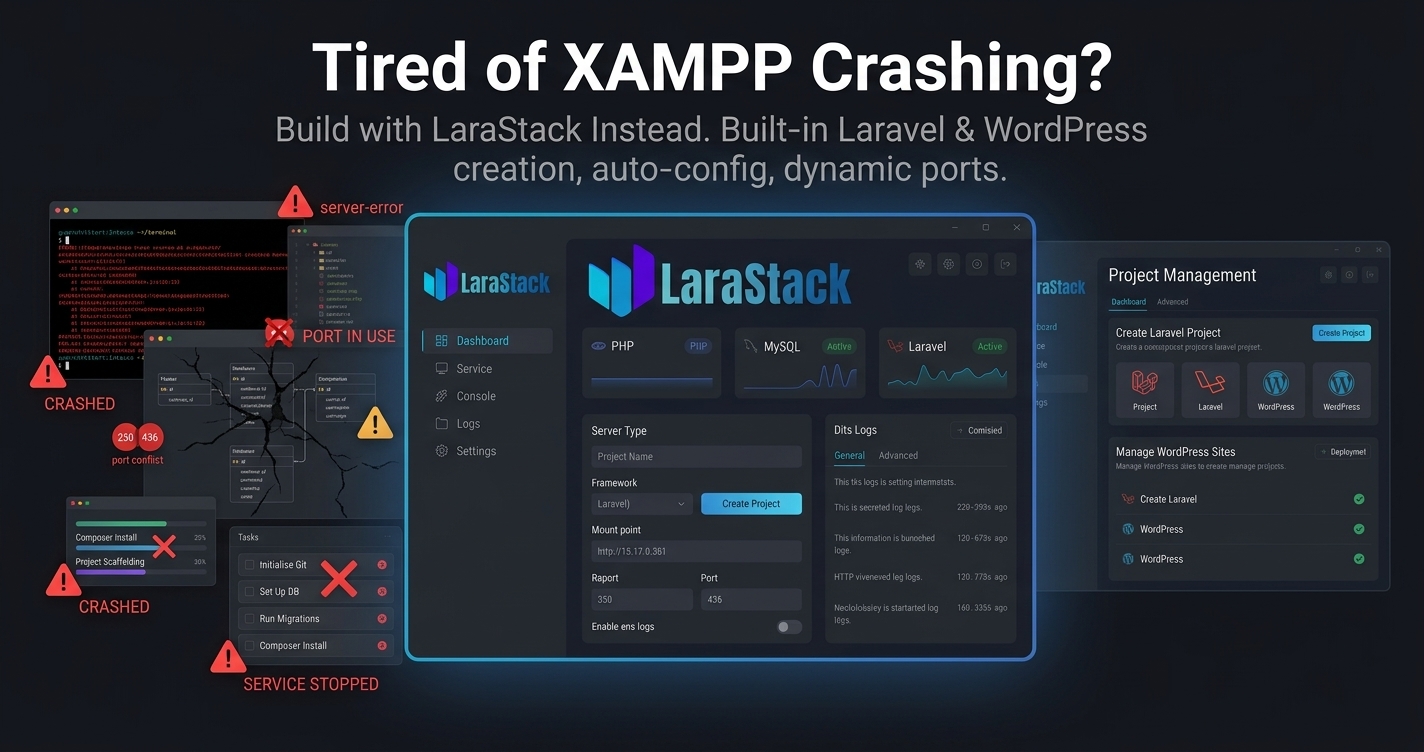
Tired of XAMPP Crashing? Try LaraStack for Local Development
Tired of XAMPP Crashing? Try LaraStack for Local Development
You start your computer.
You open your development environment.
You start Apache.
You start MySQL.
Then something goes wrong.
A port is already occupied. A service refuses to start. Your project configuration no longer matches your local environment. Or you spend time troubleshooting the development stack instead of working on your application.
If you've experienced this repeatedly, it may be time to try a different local development workflow.
Meet LaraStack 3.0.
A Different Approach to Local PHP Development
LaraStack is a free Windows-first development workspace for PHP, MySQL, Laravel and WordPress.
Instead of focusing only on starting server services, LaraStack also manages the projects that run on top of those services.
The current release includes:
- PHP 8.3
- MySQL 8.0
- phpMyAdmin 5.2
- Laravel project creation
- Laravel project management
- WordPress installation and management
- Dynamic port handling
- Composer detection
- Automatic database creation
.envconfiguration- php.ini editing
- Logs
- File and terminal access
Tired of Port Conflicts?
Port conflicts are one of the most frustrating parts of local development.
Your MySQL service may already be using a port.
Another application may be using the default PHP or web-server port.
A Laravel project may need a different port.
Instead of forcing every project to use one fixed configuration, LaraStack is designed with dynamic port management.
It can manage ports across PHP, MySQL, phpMyAdmin, Laravel development servers and WordPress services.
Laravel projects can synchronize their application URL and database configuration with the active runtime.
This reduces the need to manually hunt through configuration files whenever a port changes.
Create Laravel Projects Without Command-Line Setup
One of LaraStack's biggest advantages is its built-in Laravel project workflow.
You don't have to manually perform the complete setup every time you want to create a project.
LaraStack can automatically handle important steps such as:
Create the project → Detect Composer → Create database → Configure .env → Generate application key → Run migrations → Assign port → Start project
The Laravel project can then be managed from LaraStack.
You can start it, stop it, open it in the browser, open its directory or launch Command Prompt directly inside the project.
No Need to Manually Manage Every Laravel Project
Working on multiple Laravel applications can quickly become messy.
Which port belongs to which project?
Which database belongs to which application?
Which project is currently running?
LaraStack keeps managed Laravel project information together.
It can store project details such as:
- Project name
- Directory
- Laravel version
- Development port
- Database name
- Runtime state
It can also detect running projects and prevent duplicate starts.
WordPress Creation and Management Built In
Laravel isn't the only framework LaraStack handles.
WordPress developers can also use LaraStack's dedicated WordPress workspace.
Create and manage local WordPress websites without relying entirely on a manual setup process.
The WordPress workspace supports:
- WordPress installation
- Site startup
- Site shutdown
- Status detection
- Database management
- Admin access
- Website launching
- Credential handling
- Reinstallation
- Project deletion
This is especially useful for developers who work on both WordPress and Laravel projects.
Manage PHP Configuration Easily
Sometimes your application needs a PHP configuration change.
Instead of manually searching through php.ini every time, LaraStack provides an integrated php.ini editor.
You can use quick configuration settings or the raw editor.
The editor supports multi-match search, previous/next navigation and keyboard shortcuts.
That means less time searching through configuration files and more time developing.
Performance Matters Too
LaraStack 3.0 includes a major application-wide performance optimization pass.
The release focuses on reducing UI-thread blocking, unnecessary polling, repeated page creation and expensive rendering effects.
File and process operations are moved away from immediate click handling where possible, while background execution is used for slower operations where applicable.
The result is a desktop workflow designed to remain responsive while managing local development services and projects.
XAMPP Isn't the Only Option
XAMPP remains useful for developers who prefer a conventional local Apache/PHP/MySQL workflow.
But if your biggest frustration is repetitive setup, port conflicts, manual project configuration and switching between different tools, LaraStack offers a different approach.
Instead of only managing the server environment, LaraStack also helps manage the projects running inside it.
One Workspace. Laravel + WordPress + PHP + MySQL.
Imagine starting your development environment and having access to:
PHP
MySQL
phpMyAdmin
Laravel Projects
WordPress Projects
Logs
Files
Terminal
php.ini
Dynamic Ports
All from one Windows-first desktop workspace.
That's the idea behind LaraStack.
Stop Setting Up. Start Building.
If you're tired of repeatedly troubleshooting your local environment, try LaraStack 3.0 and see whether its automated workflow fits your development process.
Download LaraStack: https://larastack.click/download
View Features: https://larastack.click/features