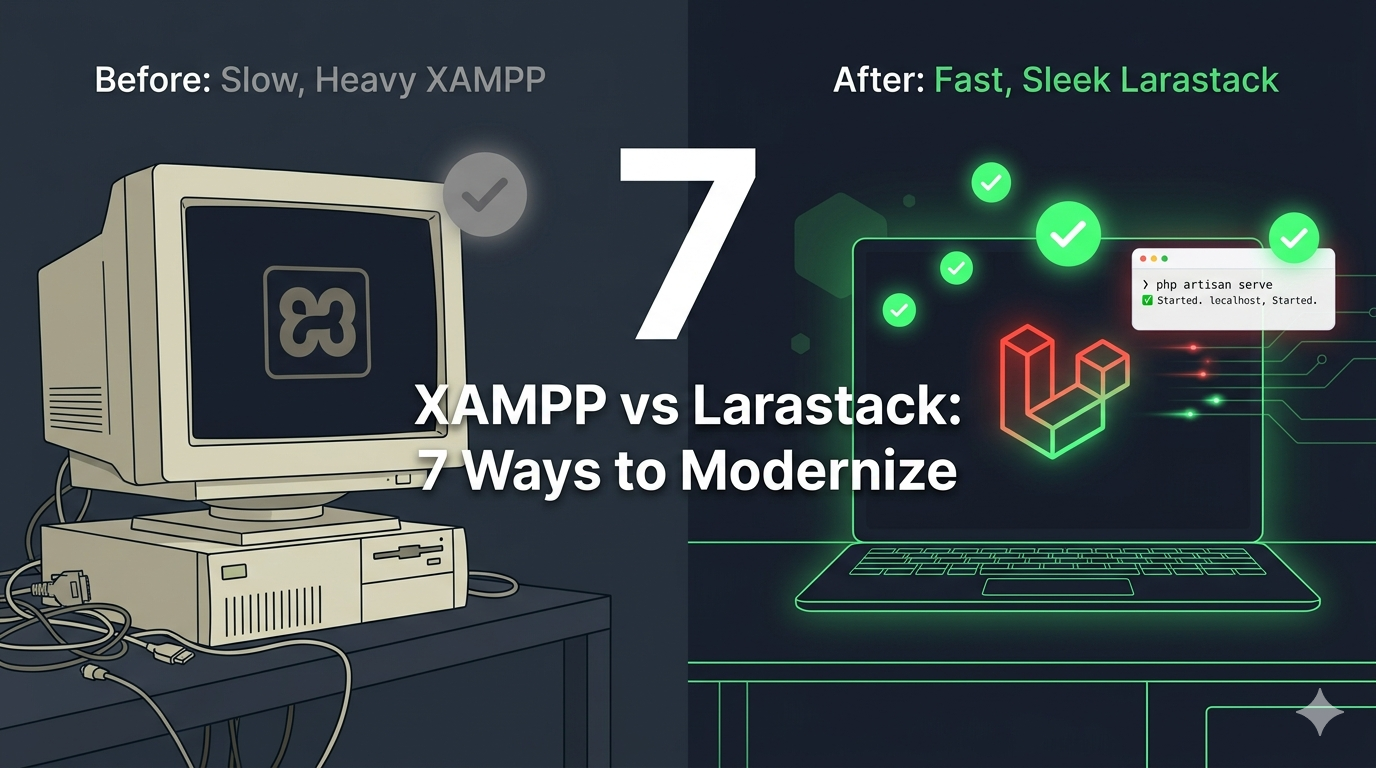
7 Reasons to Switch from XAMPP to Larastack for PHP Development on Windows
XAMPP Has Served Its Time — There's a Better Way
XAMPP has been the go-to local PHP server on Windows for over 15 years. Millions of developers learned PHP with it. But the ecosystem has moved on, and XAMPP hasn't kept pace with modern development needs.
Larastack is what a local PHP server looks like when it's designed for 2026: fast, lightweight, zero-config, and built specifically for Windows PHP developers.
Here are 7 concrete reasons to make the switch today.
1. Larastack Starts in Under 2 Seconds
XAMPP takes 6 to 8 seconds to fully start Apache and MySQL. Larastack boots PHP 8.2 and MySQL 8.0 simultaneously in under 2 seconds — every single time.
If you restart your server just 10 times a day, that's over a minute saved daily. Across a year of development, it adds up to hours.
2. No Administrator Rights Required
XAMPP installs itself at the system level and frequently requires admin privileges to start or modify. On a corporate laptop or a restricted environment, this is a real problem.
Larastack runs from any folder on your machine. No installation, no registry changes, no UAC prompts. Any user on any Windows machine can run it.
3. Uses 4 Times Less RAM
XAMPP sits at around 200 MB RAM at idle. Larastack runs at approximately 45 MB — less than a quarter of XAMPP's footprint.
When you're running VS Code, Chrome with 20 tabs, a database client, and Postman all at once, those 155 MB you save with Larastack make a real difference.
4. Zero Configuration Out of the Box
XAMPP requires editing httpd.conf for virtual hosts, php.ini for extension and memory settings, and my.ini for MySQL configuration. For beginners, this is an immediate barrier. For experienced developers, it's just tedious.
Larastack ships with sensible defaults for everything. Its built-in GUI lets you adjust PHP settings without ever opening a config file.
5. No Port Conflicts With Other Windows Services
XAMPP uses ports 80 and 3306 — the same ports used by IIS, Windows services, Skype, and countless other applications. Port conflicts are one of the most common XAMPP complaints on Windows.
Larastack uses ports 8084 and 3308 by default, specifically chosen to coexist peacefully with everything else on a Windows machine.
6. Real-Time Log Console
Finding PHP or MySQL errors in XAMPP means navigating to the right log file buried in its installation folder. Larastack displays a real-time, unified log console directly in its control panel — every HTTP request, PHP error, and MySQL event in one place, as it happens.
7. It's 100% Free and Always Will Be
Larastack is a free, open developer tool from CyberOrion.pk, committed to remaining free forever. No ads, no premium tiers, no usage limits, no telemetry. Just a fast, clean PHP development tool that respects your time and your machine.
Ready to Make the Switch?
Switching from XAMPP to Larastack takes less than 5 minutes. Download it free at larastack.click — no registration, no forms, just a direct download.
Frequently Asked Questions
Will my existing PHP projects work with Larastack? Yes. Just point Larastack's web root to your existing project folder and update your database connection port to 3308.
Can I keep XAMPP installed alongside Larastack? Yes. Both can run simultaneously without conflicts thanks to Larastack's non-standard port defaults.
Does Larastack support PHP extensions like GD and cURL? Yes. The most common extensions — mbstring, pdo_mysql, curl, gd, openssl, zip, xml — are all pre-enabled.